
Windows 10 & 11 · and on your phone
MXG Scout
The MOBOTIX camera video player that actually works. Open .MXG recordings and scrub the timeline instantly, frame-exact, with the camera's real date and time on every picture and the sound in sync. Step frame by frame, play at up to 16× to skim long recordings, trim to the part you need, and convert clips (or a whole folder) into YouTube-ready MP4 files in one click.
What it does
Find the moment. Make the MP4.
Instant scrubbing
Drag the timeline and the picture follows, frame-exact. No waiting for a video engine to catch up.
Real date & time
The camera's own timestamp for every picture, shown in your time zone, even across gaps.
Frame by frame
Step one picture at a time to read a license plate or catch the exact moment. Speeds from 0.25× to 16×.
Sound in sync
The camera's microphone plays with the picture, and the volume goes up to double for quiet microphones.
Skips the gaps
MOBOTIX cameras record in bursts. Dead stretches are skipped in under a second while the clock stays true.
Trim
Mark In and Mark Out to keep just the part you need. The original .MXG is never changed.
MP4 for YouTube
H.264 + AAC, one file or a whole batch, in the background while you keep watching. Choose quality, size and sound.
Snapshots
Save the picture on screen as a full-resolution PNG, named with the clip and the exact position.
On your phone
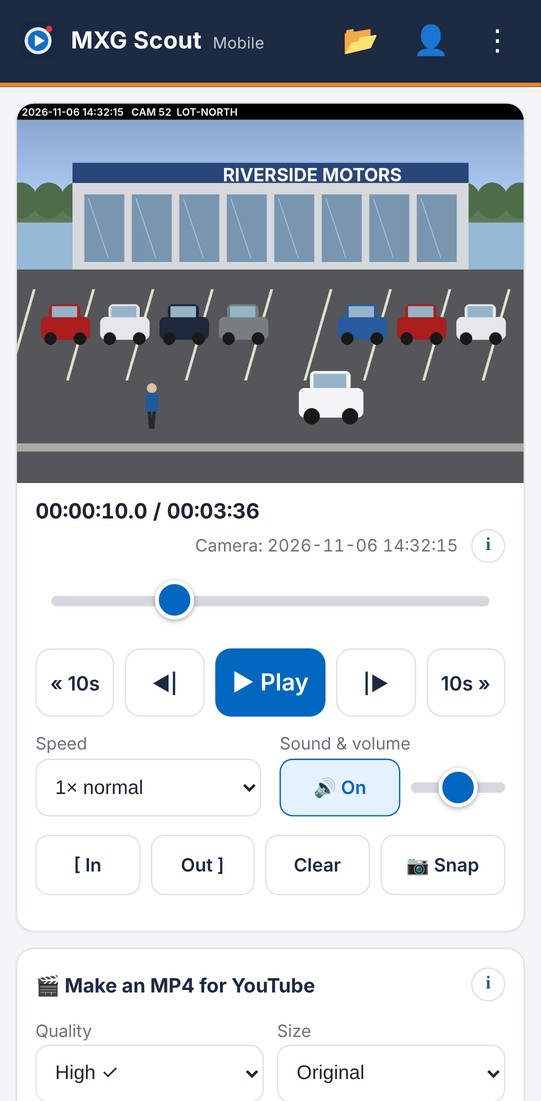
MXG Scout Mobile at dialsoft.com/mxg: watch, trim and make MP4s in the browser, with optional email sign-in to sync.
Learn it in a minute
A built-in guided tour, tooltips on every control, keyboard shortcuts and a full manual.
Keeps itself current
Checks for new versions and updates with one click, after checking the download's fingerprint.
Nothing else to get
The video engine is built in. Installer or a single portable EXE: your choice.
Every recording, one window.
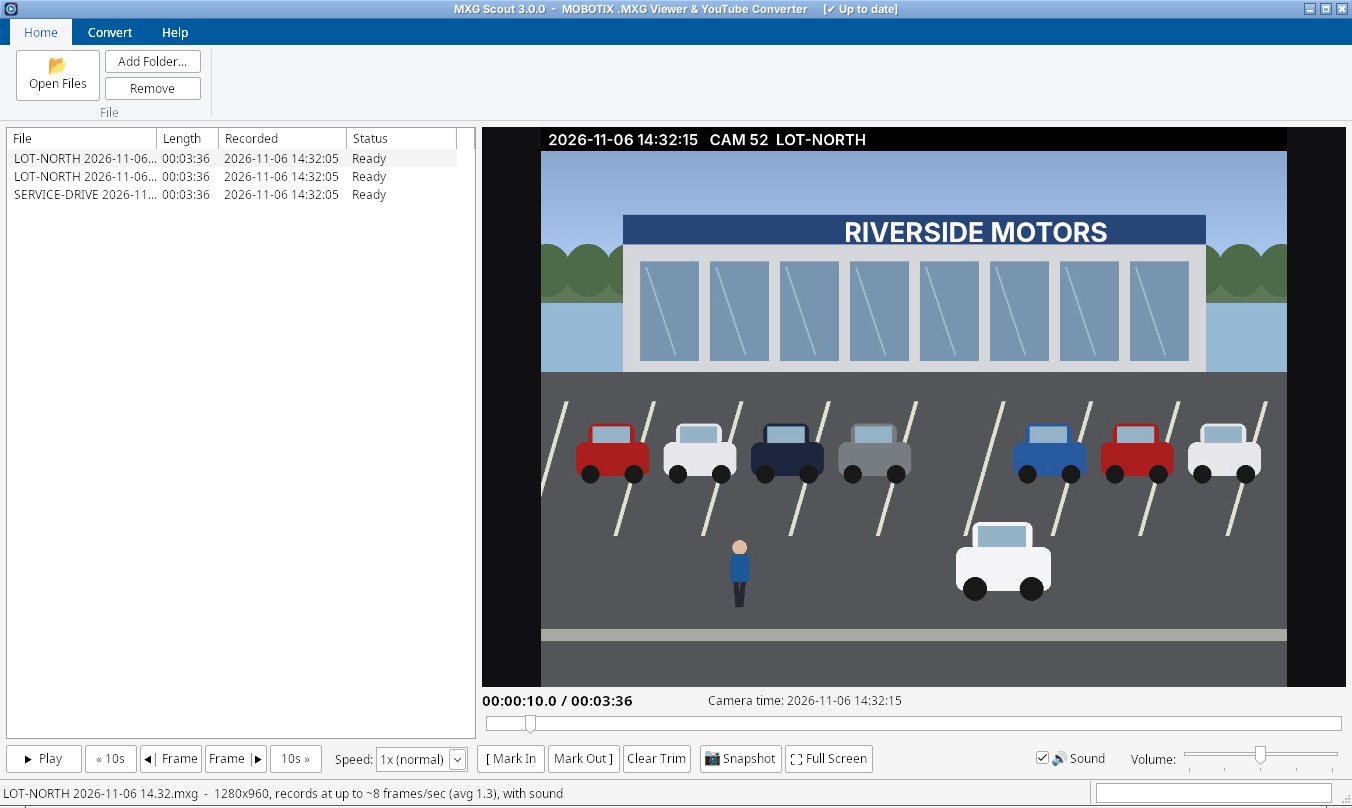
Open files, add a whole folder or drag them in. The list shows each clip's length and recording time; click one to watch it. Point at anything for an explanation.
Keep just the part that matters.
Mark In, Mark Out, and the MP4 contains only that stretch, named so you know which part it is.
MP4s while you watch.
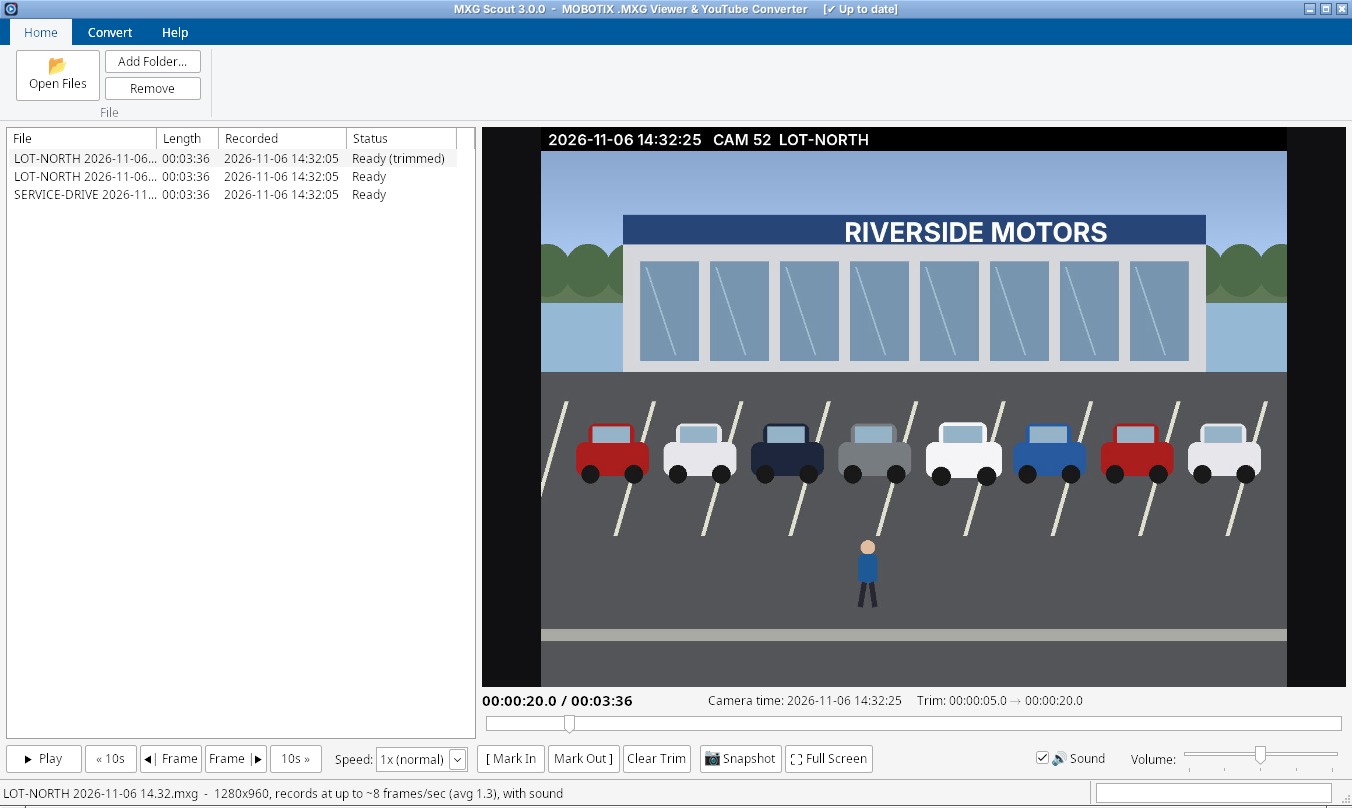
Convert one clip or a whole batch. Quality, size and sound are on the Convert tab, and YouTube Upload opens the upload page when you're done.
And on your phone.
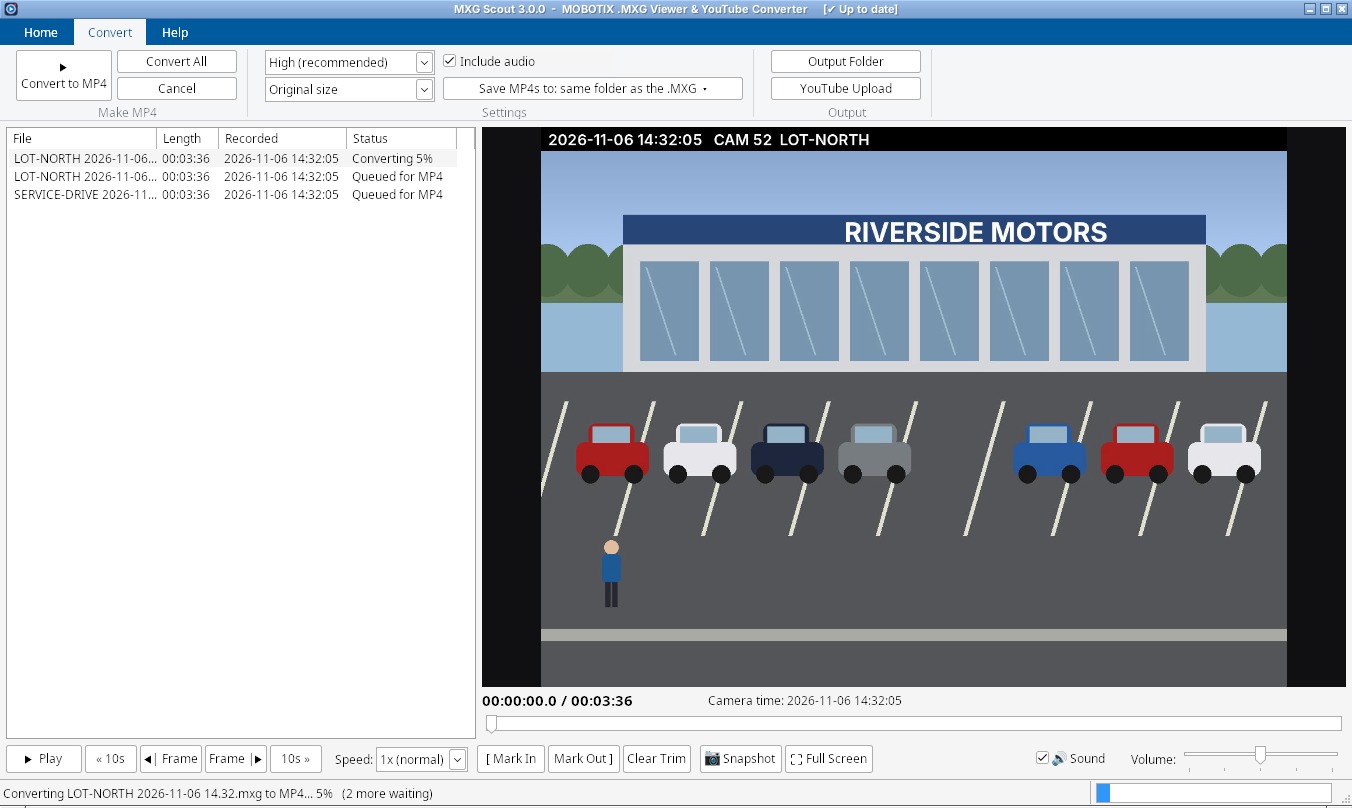
Open dialsoft.com/mxg in Chrome on Android (or Safari on iPhone): the same scrubbing, trimming and one-tap MP4, right in the browser. Your videos stay on your phone unless you choose to upload them to your private cloud.
Get started
Installer or portable: your choice.
- Windows 10 or 11 (64-bit). No administrator password needed.
- Installer (MXGScout-Setup.exe): Start menu shortcuts for MXG Scout and its manual, a Desktop shortcut, “Open with” for .mxg files, uninstall from Settings › Apps.
- Portable (MXGScout.exe): one file, nothing installed. Keep it in a folder you can write to so it can update itself.
- The first start takes a few seconds while the built-in video engine unpacks (once).
- Phone: Chrome on Android or Safari on iPhone, at dialsoft.com/mxg.
Seeing “Windows protected your PC”? New programs can trigger SmartScreen until they're widely downloaded: click More info → Run anyway. Only download MXG Scout from dialsoft.com or Dialsoft's GitHub page. MOBOTIX and MxPEG are trademarks of MOBOTIX AG; MXG Scout is not made by or affiliated with MOBOTIX. Video engine: FFmpeg (GPL). The pictures show a drawn sample recording, not real camera footage.
What's new
Release notes
MXG Scout updates itself and shows what's new after it updates (Help › What's New).
3.0.0 – November 7, 2026
- Refocused. MXG Scout is back to doing one job really well: viewing MOBOTIX .MXG recordings and converting them to MP4 for YouTube. The live-camera features have been retired: MxControlCenter already does live viewing, and keeping MXG Scout focused makes it faster and easier to use.
- The ribbon is now three clean tabs: Home, Convert and Help.
- Watching and converting are unchanged: open, scrub, fast-forward/rewind, frame-step, trim, snapshot, full screen, sound, and one-click MP4.
Also new (November 14, 2026)
- An installer (MXGScout-Setup.exe) alongside the portable EXE, a full user manual (web and PDF) and a new narrated explainer video.